
Have you sent a parcel, or are you planning to, and want to better understand how InPost works, what steps to take, and where you can track your parcel’s status? In this guide, we’ll explain how everything works, depending on each situation, so you can send, track, and collect your parcel without complications.
InPost works through a hybrid network of Pack Points (local shops that partner with us) and Lockers (automated lockers) for sending and collecting parcels. The process is simple: send the parcel, keep the tracking number, check the status on our tracking tool or the InPost Iberia App and collect or drop off the parcel at the chosen point.
- Shipping details: sender and recipient
- Access to the email or SMS associated with the shipment
- Tracking number
- InPost Iberia App (optional)
- If you want to send a parcel: prepare the package, process the shipment and drop off the parcel at the InPost point you chose.
- If you want to know where your parcel is: check the tracking using the tracking number.
- If you want to collect a parcel: wait for the “available for collection” alert and follow the instructions depending on whether it is a Pack Point or Locker.
InPost lets you send and receive parcels using collection points near you:
- The Pack Point: shops that partner with us, where you can drop off or pick up the parcel at the counter.
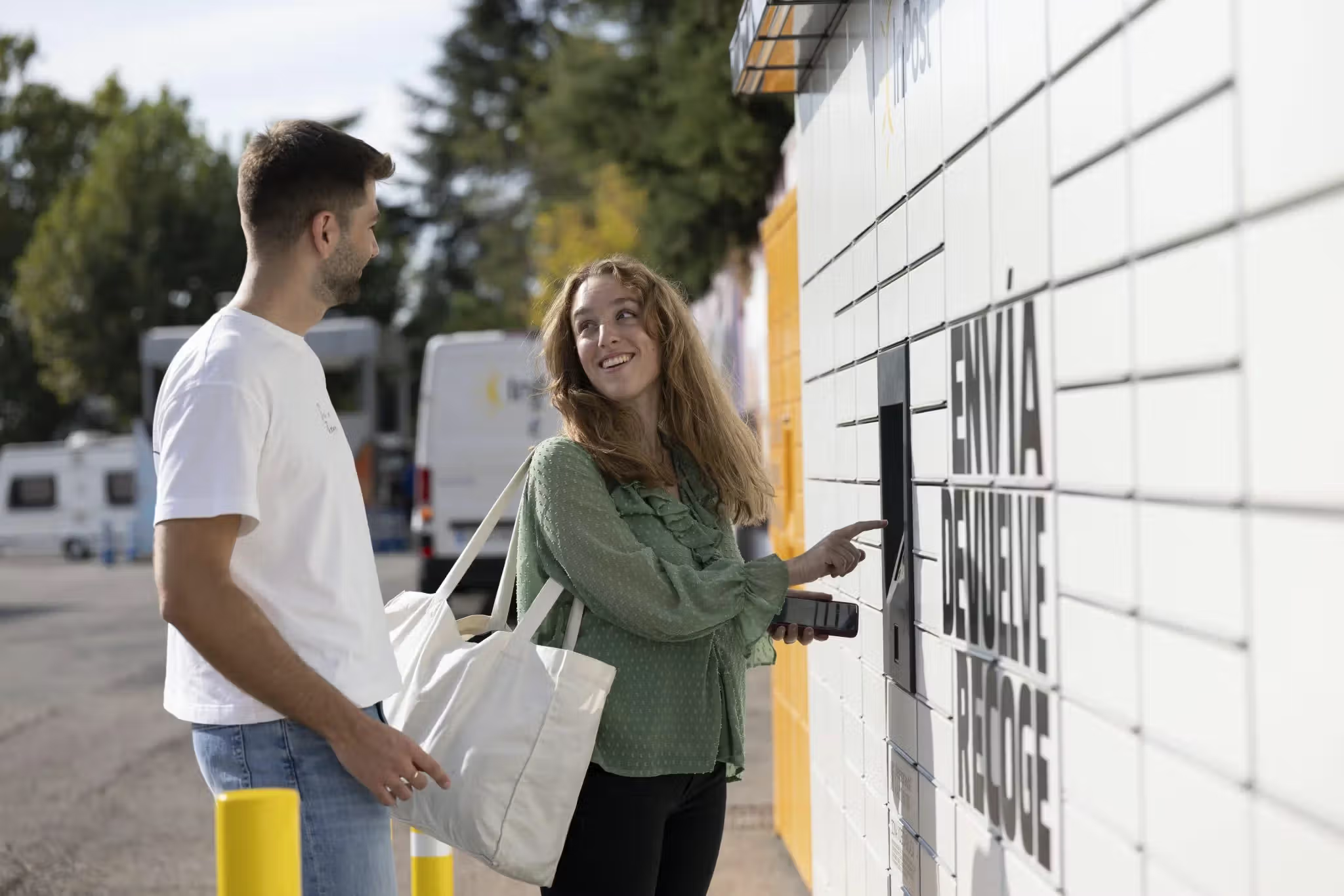
- The Locker: smart lockers where you can drop off or collect parcels independently, via a screen, using a PIN or QR code.
The key to everything running smoothly is always simple: keep the tracking number and check the shipment status whenever you have any doubts.
- Prepare the package by packing everything carefully. If there is empty space inside the package, add filler so that the contents do not move during the journey, risking damage.
- Process the shipment and keep the tracking number. You will receive it by email or SMS, or you can check it in the App if you have it linked.
- Drop off the parcel at the Pack Point or Locker you chose.
- Check the shipment tracking to follow its journey.
- Have your tracking number to hand.
- Enter our tracking tool or the InPost Iberia App.
- Check the status and the latest shipment movement.
- Wait for the “available for collection” alert.
- Depending on whether the parcel is at a Pack Point or a Locker:
- At a Pack Point: you should go to the counter.
- At a Locker: collect it by presenting the PIN or QR, simply following the instructions on the screen.
- “I can’t find the tracking number”: the number is usually in the shipment email or SMS, or in the App if it is linked.
- “I don’t know if it’s a Pack Point or a Locker”: the tracking will tell you exactly which point it is.
- “The parcel isn’t moving”: sometimes tracking updates in stages; check the latest movement and try tracking again later.
- You can’t locate the tracking number after checking email, SMS, and the App.
- The tracking shows an issue and you’re not sure what the next step is.
- The shipment appears as available, but it can’t be collected through the normal process.
If the situation remains unresolved, fill out our form, indicating the tracking number, and describe the problem to us.
- Pack Point or Locker finder near me: find the nearest point and check opening hours.
- InPost shipment tracking: check the parcel status and available options.
- Download our App:through the InPost App you can manage your parcels easily. Check tracking, receive notifications about shipment status, and access the information you need to collect or drop off your parcel.
Related articles

Recommended articles

Jul 16, 2026
6 Tips to Optimize Your Company Shipments
Discover 6 tips to optimize your company shipments, reducing costs, improving sustainability and increasing customer satisfaction.

Jul 16, 2026
How to Build More Sustainable Consumption Habits
Discover practical tips to adopt more sustainable consumption habits and reduce your environmental impact in everyday life.