
Forget about the printer
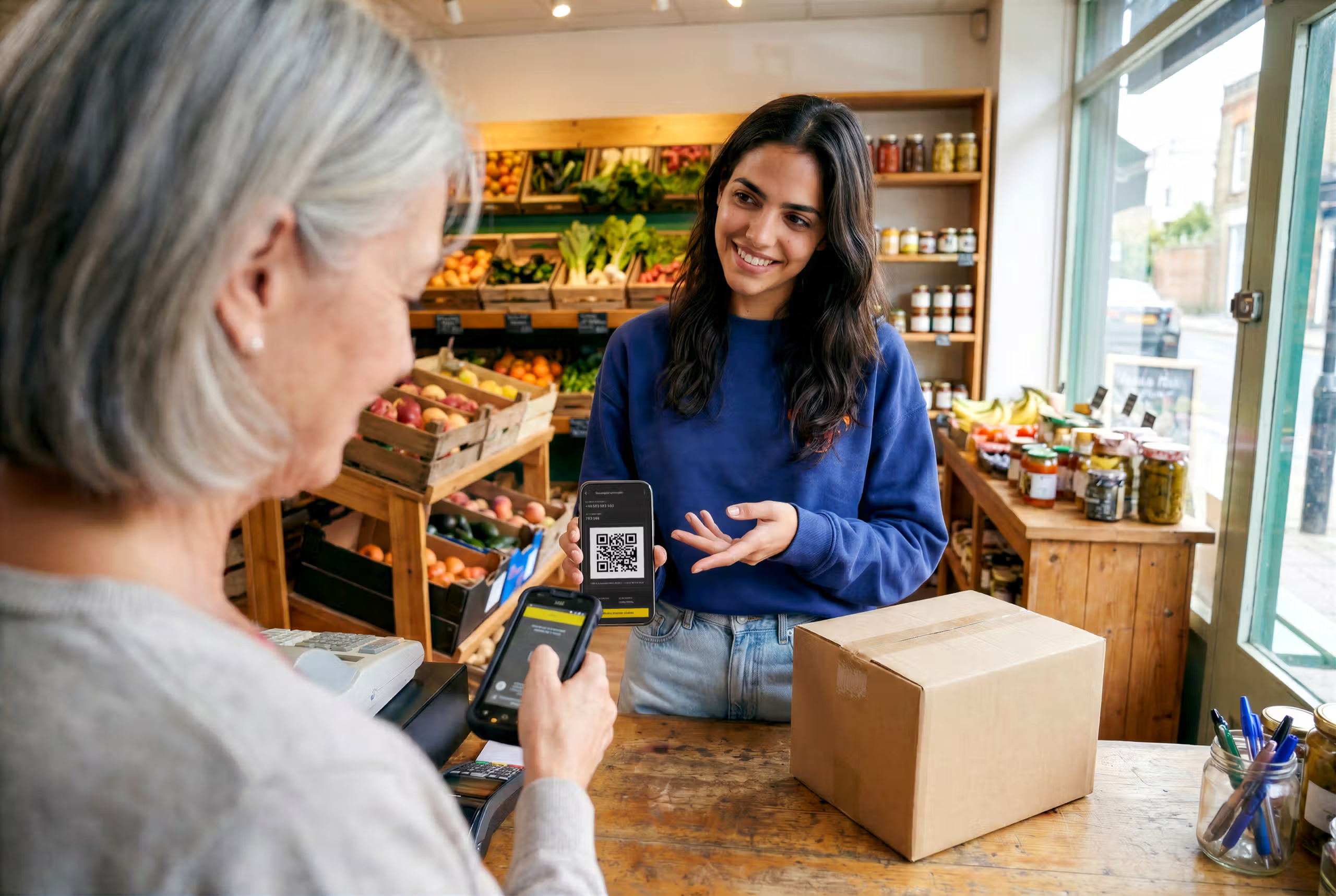
Your phone is all you need. No label. No sticking it on the parcel. Just a QR code and you're done.
How does it work?
To send or return parcels, just:
1.
Get your QR on your phone
We’ll email it to you when you send or return your parcel.* Write your parcel number (8 digits of the tracking number) on the package.
2.
Scan it at the Drop-off Point
Locker or Drop-off Point, your choice.
3.
Drop off your parcel
No labels. No waiting. No hassle.
4.
And that's it!
You’ll get an email confirming your parcel is on its way. You can track it on our website or app.
*Check if the e-commerce store you’re returning to offers label-free returns. If not, print the provided label and stick it on your parcel.
Got questions?
Look! It’s sooo easy.

Benefits of sending without printing
In seconds
Scan and you’re done. No queues, no paperwork.
No printer
No need to print or stick anything on your parcel.
Just your phone
You’ve got the QR in the app or your email.
Frequently asked questions
Do I need a printer to send with InPost?
No. InPost is the first company in the sector to completely eliminate paper labels in the Iberian Peninsula. All you need is the QR code we send to your email after payment. Show it on your phone screen, and you’re good to go.
How does sending with a QR code work?
After completing your shipment and making the payment on our website or app, you can choose to download the label or the QR code. Select QR, head to the nearest Locker or Drop-off Point, and scan it. The locker will open automatically.
Does it work at Lockers and Drop-off Points?
Yes, at both. At the Locker, scan the QR on the device screen, and the locker opens directly. At the Drop-off Point, the staff will scan the code for you.
What do I do if the QR doesn’t scan?
Turn your screen brightness up to the max, make sure the code is fully visible, and clean your phone screen. If you’re at a Drop-off Point, ask the staff to try again. Also, double-check you’re using the correct QR and not an old screenshot.
Can I return items without a label too?
Yes. If you want to return an online purchase, the brand or store will provide the QR to manage the return. Just take your parcel to the Drop-off Point or Locker and show it.
Does label-free shipping cost extra?
No. The QR code is free and included as a standard option with all InPost shipments.
What’s the maximum size the Lockers allows?
Your parcel can’t exceed 60 x 40 x 30 cm or 25 kg. If it’s larger, don’t try to force it in—it could damage both the parcel and the locker.
READY TO SEND? THIS IS FOR YOU
Subscribe to our newsletter and get 10% OFF your next shipment.
INPOST MAKES SHIPPING EASY
From €5.42 to a Locker or Parcel Point