
Change delivery with InPost: address, pickup point or cancel shipment
Apr 16, 2026
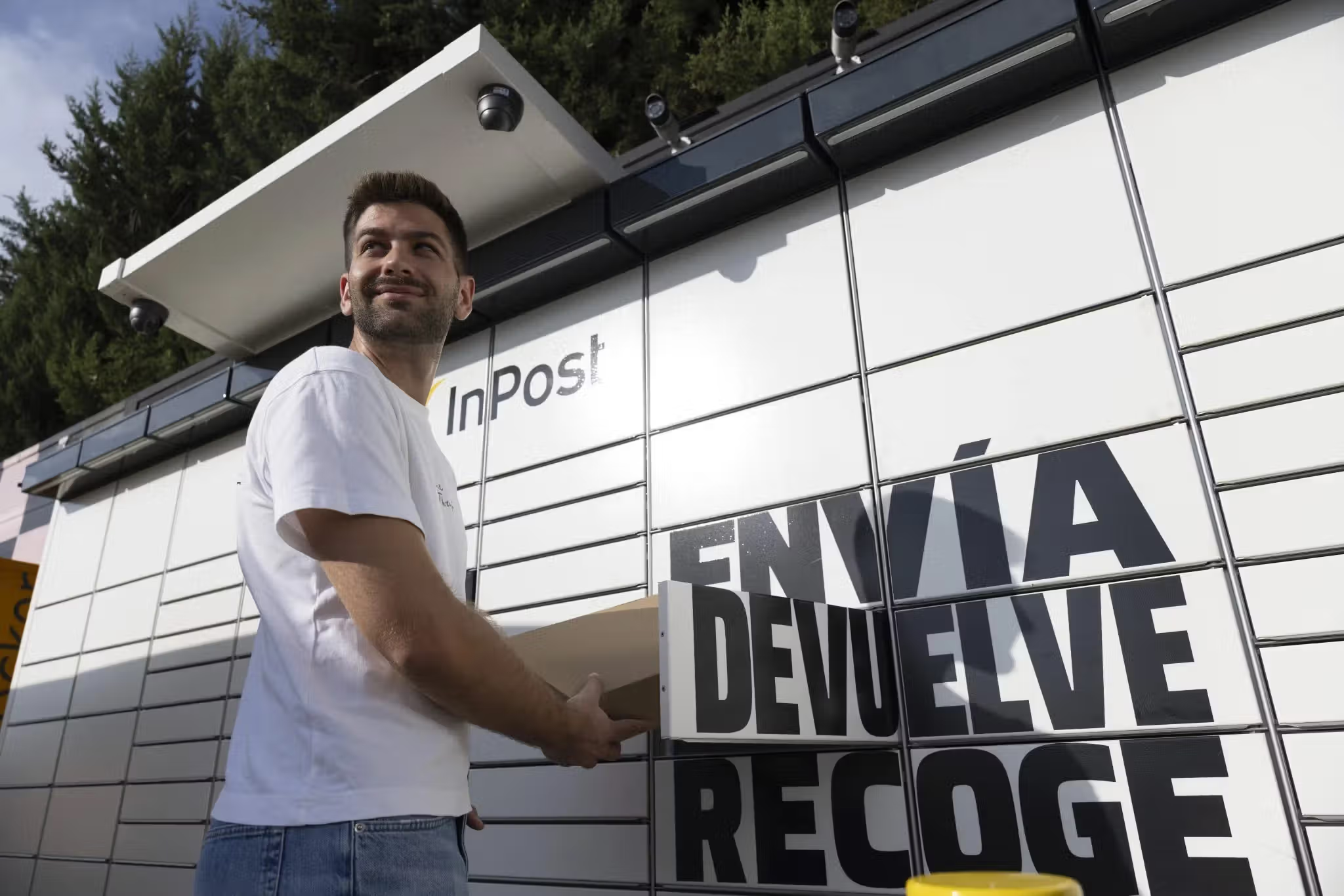
You have made a shipment and need to change the destination Ponto Pack or Locker, modify the address or cancel the delivery because your plans have changed. In this guide, we will explain what to do, depending on each case, to resolve the situation quickly and easily.
Quick summary
Do you need to modify the delivery? The first thing to do is check the tracking: depending on the shipment status, the change may still be possible or it may no longer appear as an option. Have your tracking number ready and check whether you can still manage the shipment from our tracking tool or the InPost Iberia App. If this is no longer possible or the option does not appear, fill in our form and we will look into the situation with you.
What do you need before you start?
- Shipment tracking number
- Access to the email or SMS associated with the shipment
- InPost Iberia App (optional)
- Correct address or Ponto Pack or Locker to which you want to make the change
Change InPost pickup point
If you want to change the destination Ponto Pack or Locker, start by checking the shipment tracking. Depending on the order status, the option may still be available or not.
Quick checklist
- Have your tracking number ready
- Address of the Ponto Pack or Locker to which you want to make the change
What to do
- Enter our tracking tool or the InPost Iberia App and look for your shipment.
- Check the order status and see whether the option to change the Ponto Pack or Locker still appears.
- Select the new point and confirm the change.
- Check the tracking again to make sure the destination has been updated.
Can I change the address of a home delivery shipment?
First of all, we should remember that home delivery with InPost is not available in Portugal. However, home delivery is possible in some European countries, so this situation may occur in international shipments.
Sometimes we make a mistake when writing the address or need to change it. The first step is to check the order status, because depending on the shipment stage, this type of change may no longer be available.
What to do
- Check the shipment tracking to verify the order status.
- Please note that it is not possible to change the delivery address once the shipment has been sent.
- If you need more information, you can check the updated status from tracking or contact our customer service.
The recipient wants to receive the order at home instead of a Ponto Pack or Locker. What should I do?
Once again, and because home delivery is not available in Portugal, this situation will only apply to international shipments to some European countries.
In these cases, if the shipment was originally created for delivery to a Ponto Pack or Locker, the change to home delivery will not be available. The first step to take is to track it to confirm that this is indeed the case.
Steps to resolve
- Enter our tracking tool or use the InPost Iberia App and look for your shipment.
- Check the tracking to see whether the option to change the delivery to home appears.
- If it does not appear, fill in our form, indicating the tracking number, and describe the situation so that we can review the case.
How can I cancel the delivery of a shipment that is in transit?
When a shipment has already left the distribution center, it is generally in the final stage of the process, and therefore it is not always possible to cancel it in time. Even so, the sooner you try, the more room there will be.
Steps to resolve
- Check the exact status of the shipment in our tracking tool or download the InPost Iberia App.
- If you cannot find the cancellation option, it is because the shipment is already too far along. Fill in our form as soon as possible, requesting cancellation, and include the tracking number. We will tell you the next step to take, depending on the situation.
Common mistakes
- “I can't find the option to change the destination”: it is not possible to change the delivery address, even if the shipment is at an early stage.
- “The Ponto Pack or Locker I want does not appear”: the point may be full, closed or currently unavailable.
- “I confirmed the change, but it does not appear updated”: check the tracking again after a few minutes. If it is still the same, fill in our contact form.
Contact us only if…
- You have tried to make the change you want and it keeps failing.
- No modification option appears and you need to change the delivery.
- The shipment has already left the distribution center or is at an advanced stage and you need alternatives.
InPost online tools
- Ponto Pack or Locker locator near you:find the nearest point and check opening hours.
- InPost shipment tracking: check the order status and available options.
- Download our App: from the InPost App you can manage your orders easily. Check tracking, receive notifications about the shipment status and access the information you need to pick up or drop off a parcel.
Related articles

Recommended articles

Jul 16, 2026
6 Tips to Optimize Your Company Shipments
Discover 6 tips to optimize your company shipments, reducing costs, improving sustainability and increasing customer satisfaction.

Jul 16, 2026
How to Build More Sustainable Consumption Habits
Discover practical tips to adopt more sustainable consumption habits and reduce your environmental impact in everyday life.