

SHOP ON SHEIN AND GET IT WITH INPOST IT'S HANDY
Place your orders on Shein and pick up or return your purchases with InPost whenever and wherever it suits you best. Choose from over 13,000 Parcel Lockers and Ponto Points!
Use InPost for all your Shein purchases and returns
- Visit Shein(opens in a new tab)
What is Shein?
Shein is a global online retailer for fashion and lifestyle, committed to making fashion beauty accessible to everyone.
- See locations
Find your drop-off point
With InPost, receiving and returning your Shein orders is that easy. Choose from over 13,000 Parcel Lockers and Points across the Iberian Peninsula and manage your deliveries whenever and wherever works for you.
Frequently asked questions
Here you can find all the information needed to send and collect orders through Shein.
How to select a Locker or Ponto Point on Shein?
When you finish selecting the products you want to buy on the online store, on the Payment page, you’ll need to choose the option Select a pickup location, then enter your postal code.
Once you do that, you’ll see a full list of Parcel Lockers and Points near the location you provided, including store hours. Remember, Parcel Lockers are available 24/7.
Collecting Shein orders from a Locker or Ponto Point
It’s simple: once you get the notification that your order has been delivered, head to the selected pickup point and show your order confirmation via the Shein website/app.
How to make returns on Shein?
If the product isn’t what you needed for any reason, you can process a free return, as long as you make just one return per order.
The free return applies when you return a single product. For example, if you received two items in one order and decide to return one first, that return will be free. But if you later decide to return the other item, €4.50 will be deducted from the refund for that return.
Our advice is to wait before making the return, so you don’t have to cover this extra cost if you change your mind later. Remember, you have 45 days from the purchase date.
How to manage returns on Shein with a Ponto Point?
In your Shein account, go to the My Orders section and select the items you want to return. When the return options appear, just choose Point and print the return label.
Once you’ve printed the label, remember that the top half stays outside the box, while the bottom half should go inside. Then, you can take it to the nearest Locker or Point.
Also, the package you use for the return doesn’t have to be the same one you received the order in. As long as it’s well-packed and protected, it’ll be good to go with all guarantees.
READY TO SEND? THIS IS FOR YOU
Subscribe to our newsletter and get 10% OFF your next shipment.
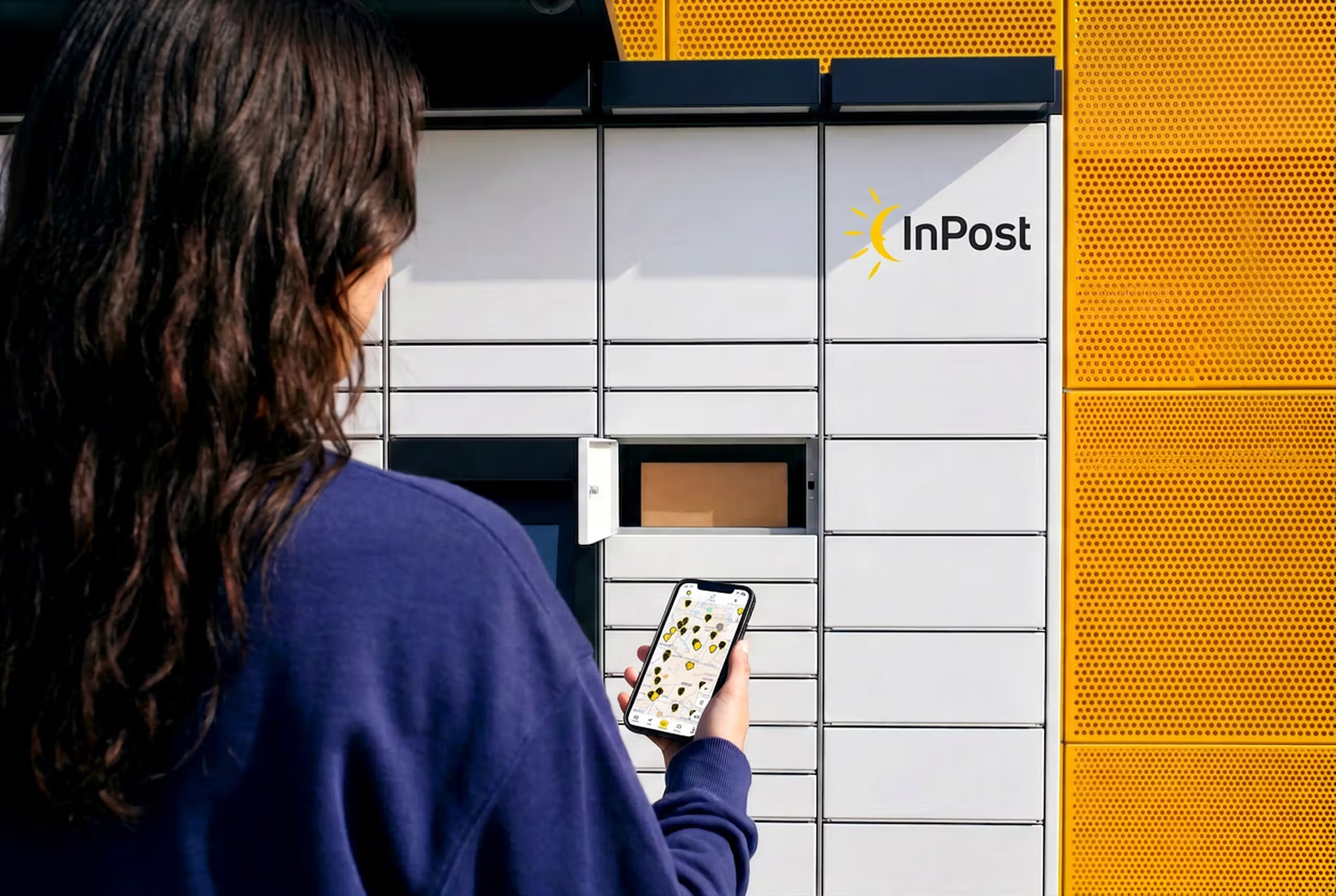
KNOWING WHICH PICK-UP POINT IS CLOSEST TO YOU MAKES LIFE EASIER
Find any Locker or Parcel Point and get there easily and hassle-free with our App.